Citrix ShareFile allows us to create folders and files which can be shared with other users. This is similar to the OneDrive, Dropbox, and Google Drive products you may be familiar with.
If you have Admin access to a ShareFile folder you may share those documents with another ShareFile user. If you do not have Admin access to a ShareFile document you can request assistance from support@fbrest.com.
From Windows
-
Open your Sharefile directory
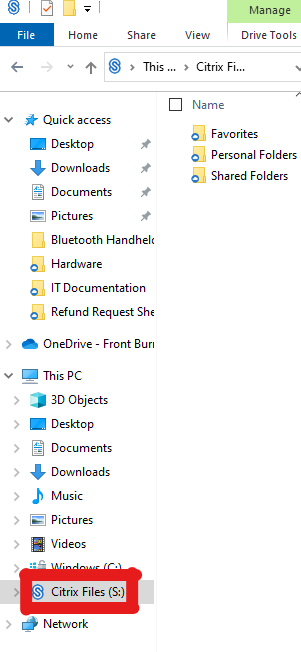
-
Right click on the folder you wish to share. Then mouse over More Options, and then click Manage Permissions.

Click Add People to Folder 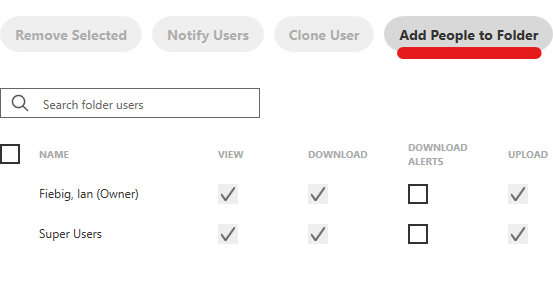
-
Use the search box to give other users permission to access these documents. You may select multiple users at one time, they will all gain the same permissions.
Choose the Folder Permissions for this user
View: Allows viewing of these documents.
Download: User may copy documents to their device.
Upload: User can add documents to this folder.
Admin: Allows the user to add other individuals to this folder.If you wish you may enable notifications when files or users are added to this folder.
You will likely want to enable Apply settings to subfolders. Otherwise this user will not be able to access anything in folders contained in the folder you are sharing.
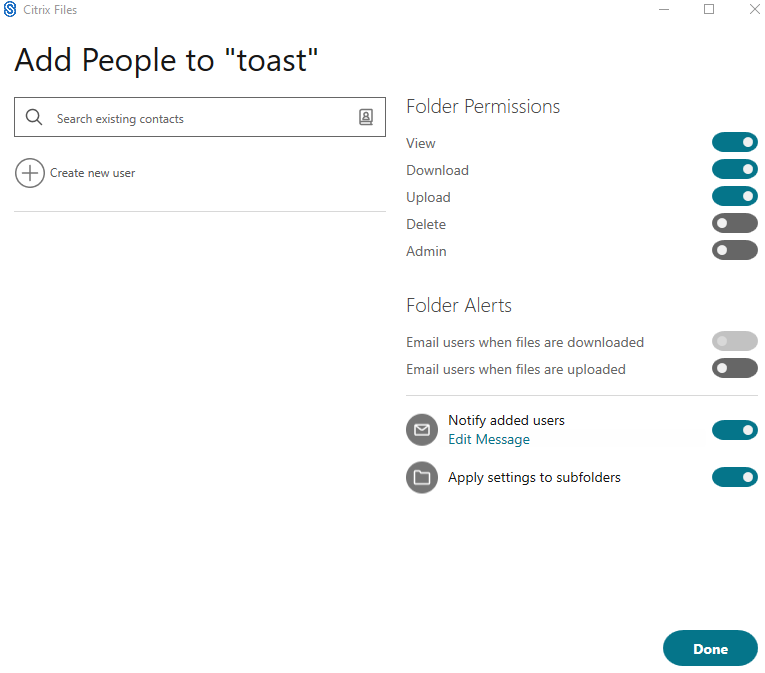
- Click Done to finalize the addition.
From Citrix ShareFile website
Log into https://fbrest.sharefile.com/. 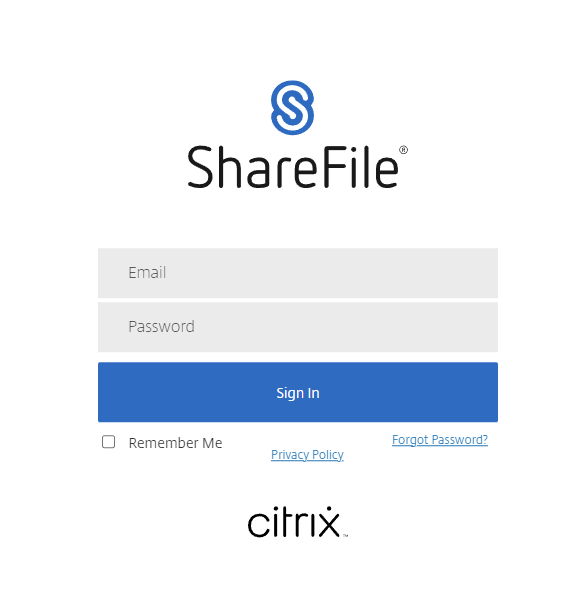
Click Folders, and navigate to the folder you wish to share. 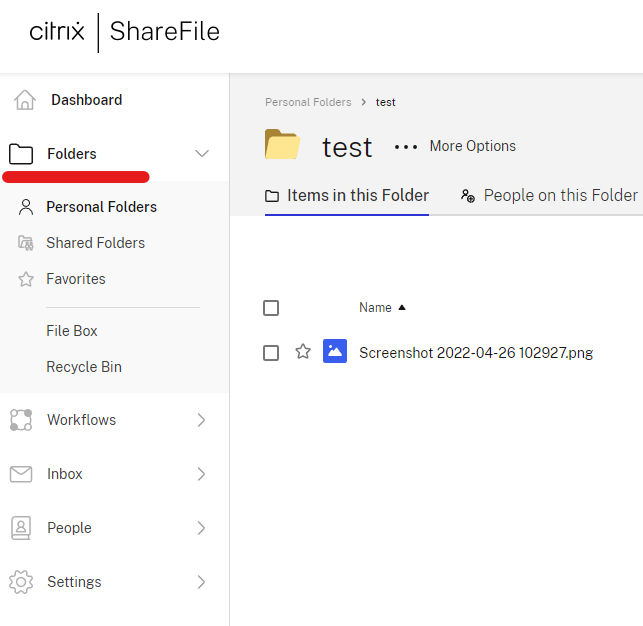
Right click on the folder and click Add People to Folder. 
Use the search box to give other users permission to access these documents. You may select multiple users at one time, they will all gain the same permissions.
Choose the Folder Permissions for this user
View: Allows viewing of these documents.
Download: User may copy documents to their device.
Upload: User can add documents to this folder.
Admin: Allows the user to add other individuals to this folder.If you wish you may enable notifications when files or users are added to this folder.
You will likely want to enable Apply settings to subfolders. Otherwise this user will not be able to access anything in folders contained in the folder you are sharing.