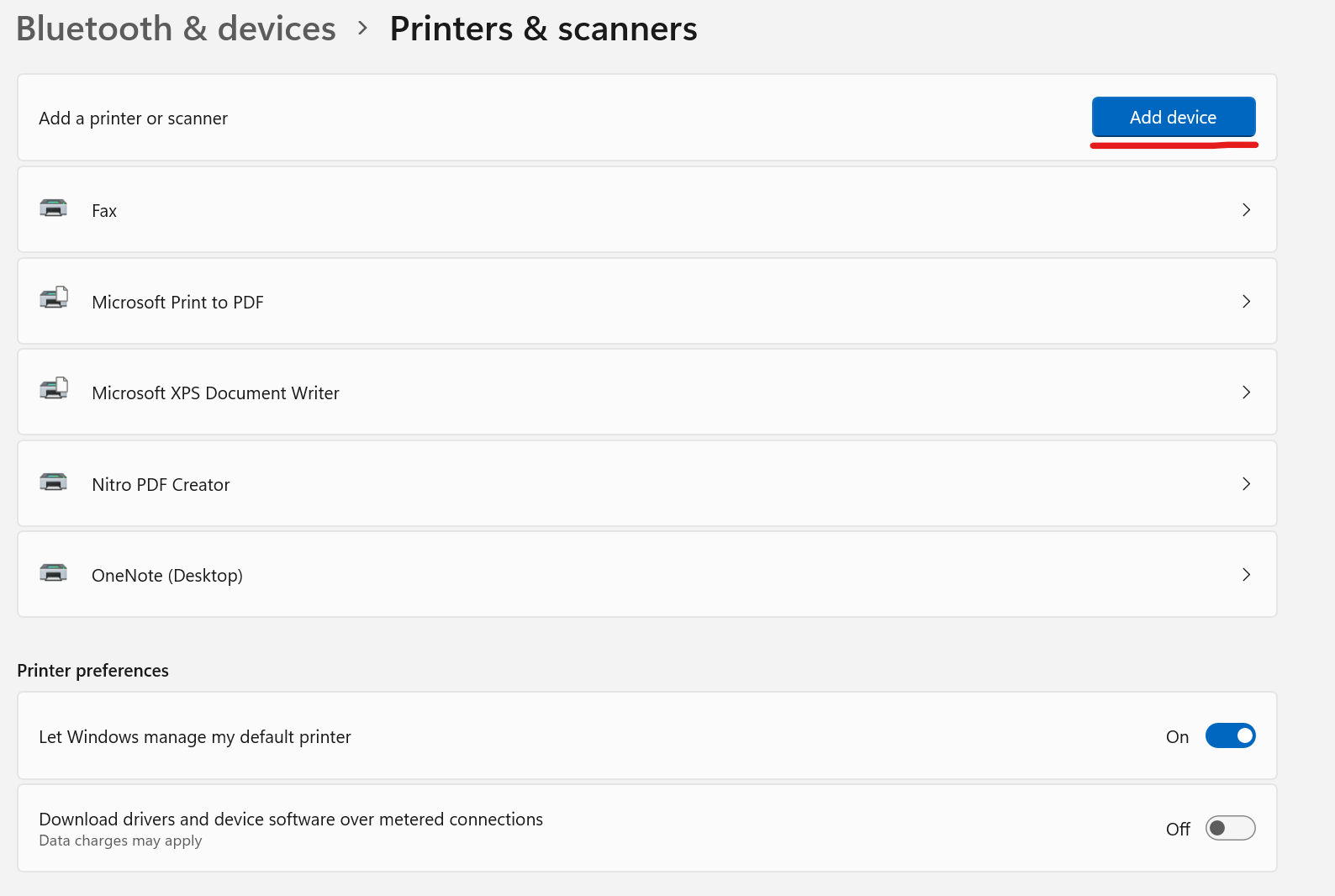
1. Go To Printer And Scanners in System Settings
2. Click Add Device
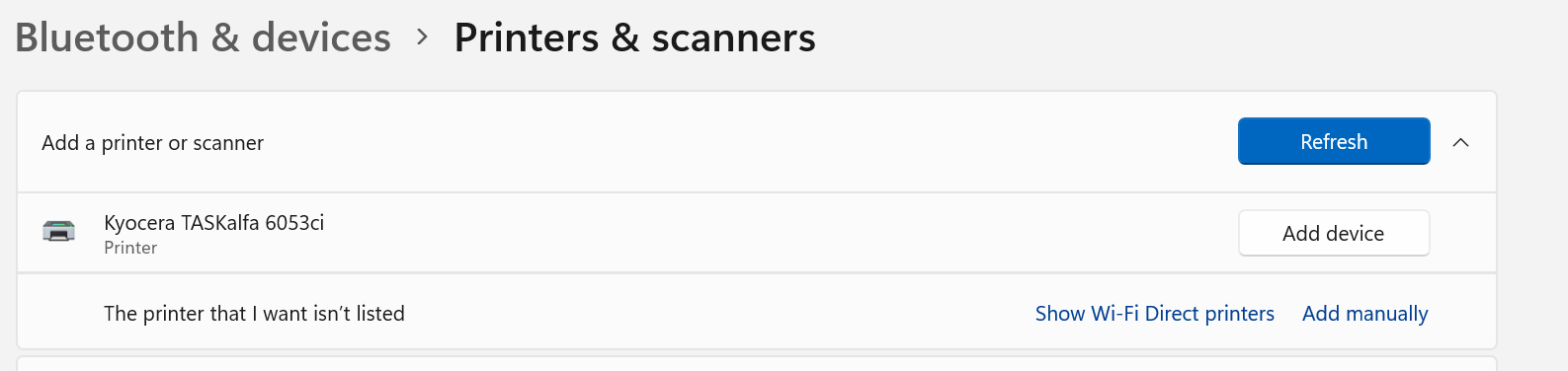
3. Kyocera TASKalfa 6053ci printer device should appear. Select it.
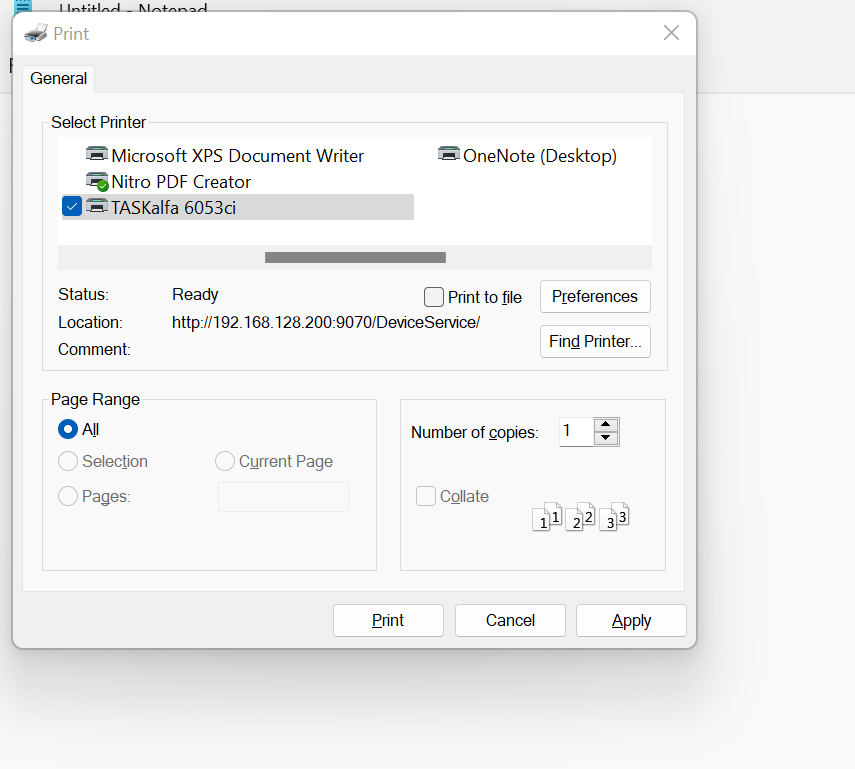
4, When printing for the first time, select the TASKalfa printer. It will default to this printer in the future.
1. Go To Printer And Scanners in System Settings
2. Click Add Device
3. Kyocera TASKalfa 6053ci printer device should appear. Select it.
4, When printing for the first time, select the TASKalfa printer. It will default to this printer in the future.