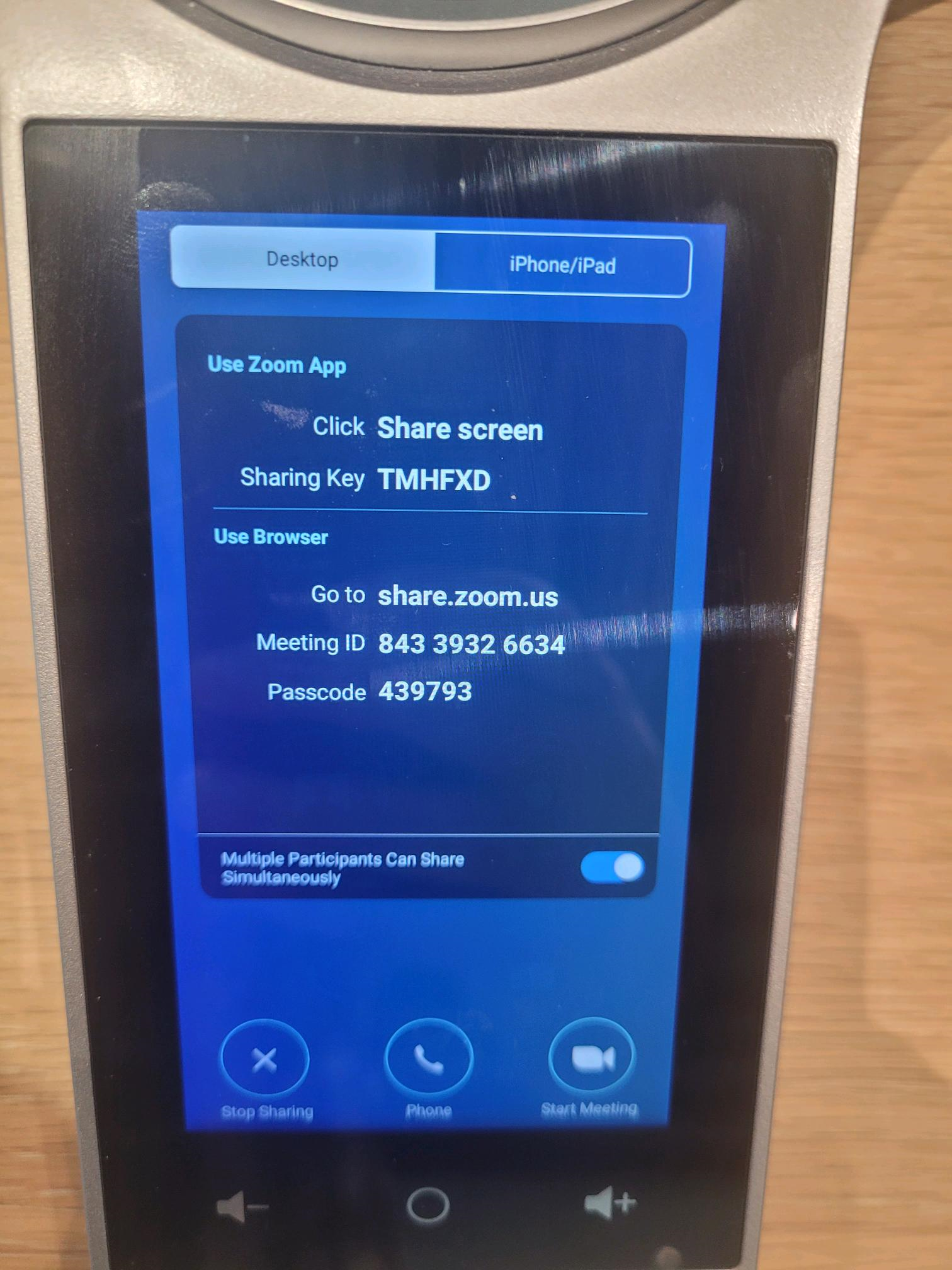
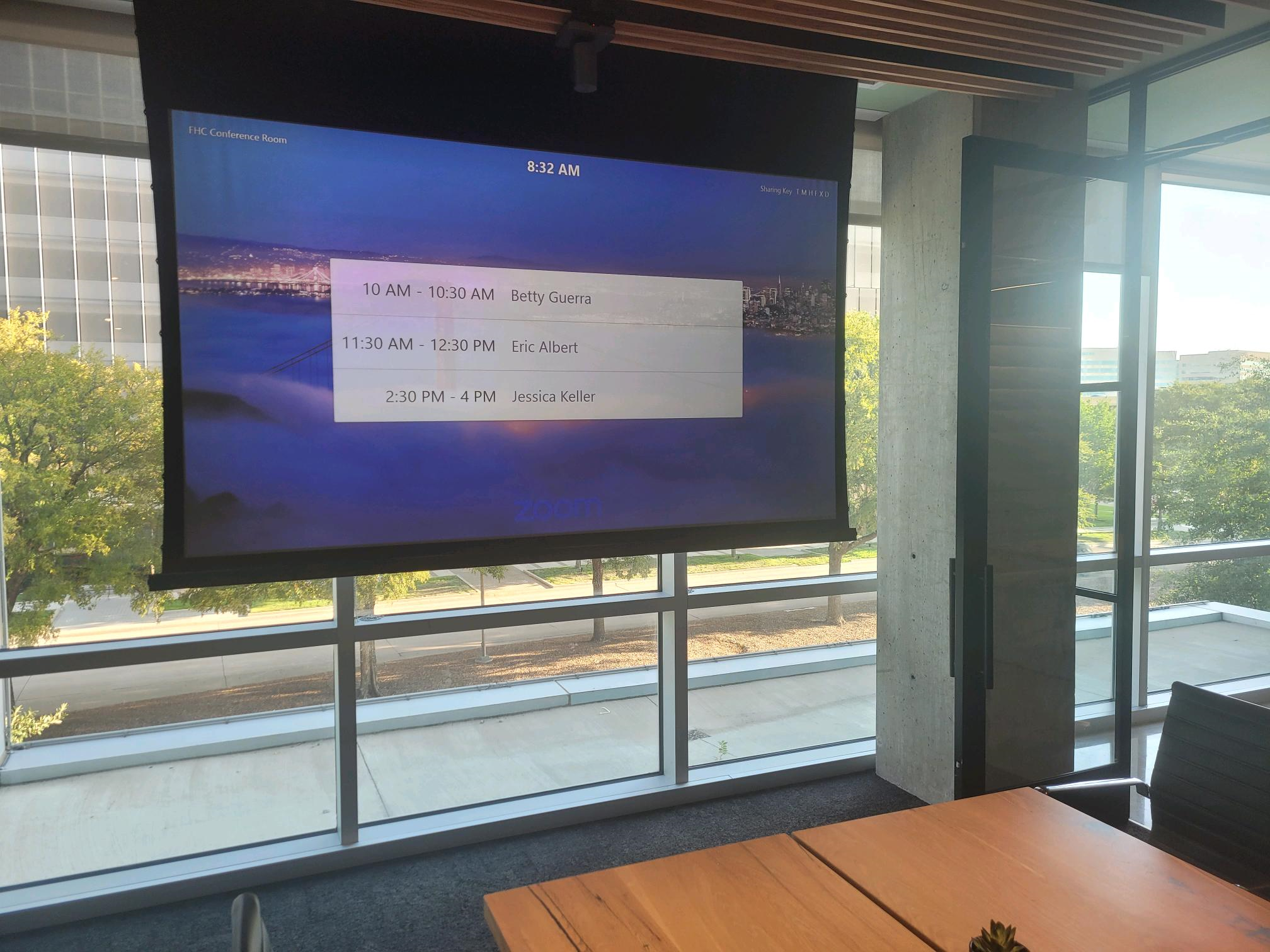
The following will cover the basic features of the Food Hall Office Cnference Room.
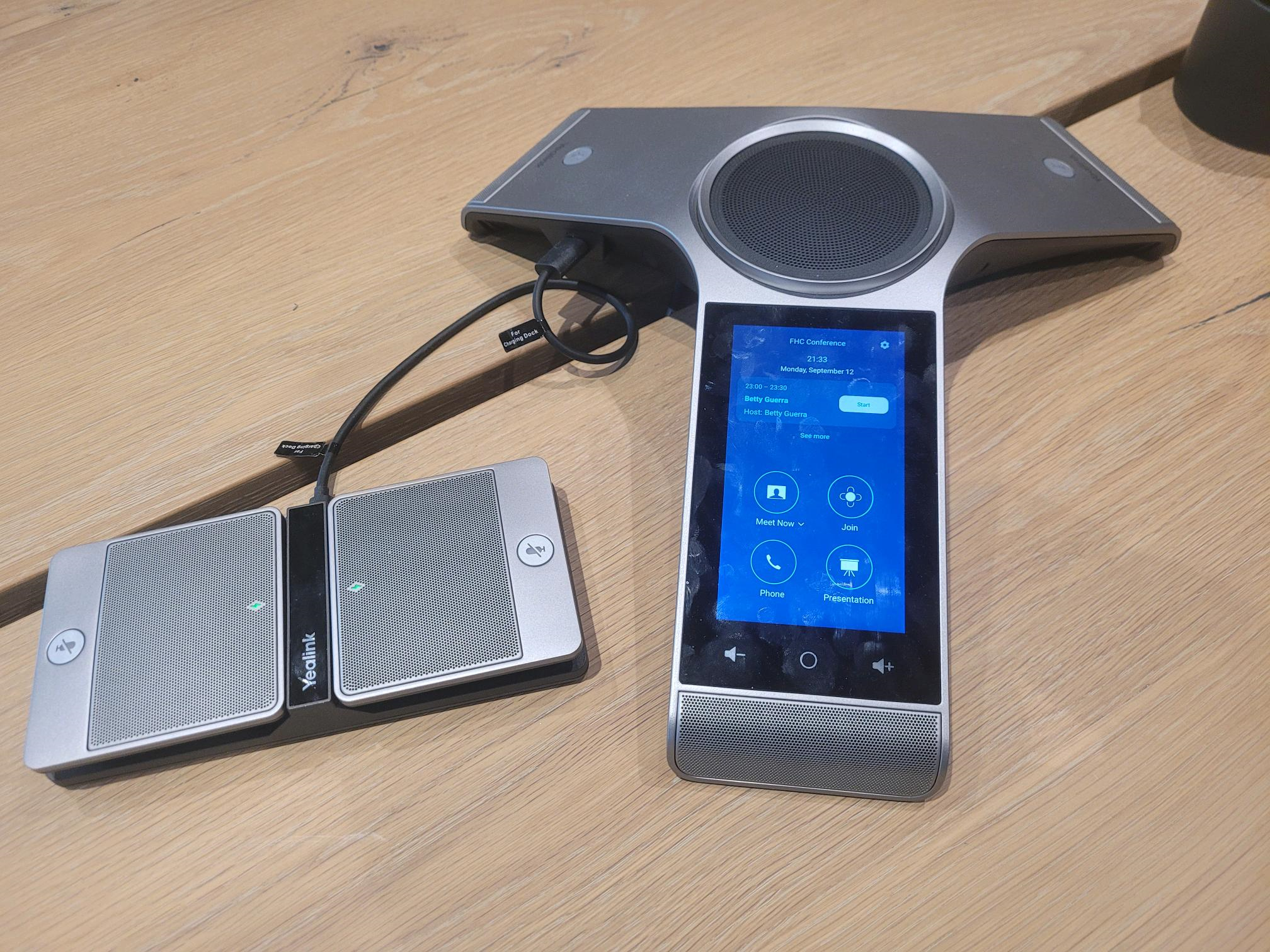
1. This is the Yealink device used to manage meetings. It comes with 3 separate speakers that can be distributed across the table.
2. This is the FHC Conference room's main interface. Meetings can be initiated via the Meet Now or Join buttons. Phone can be used to place conference room phone calls and Presentation is used for sharing the screen of your computer.
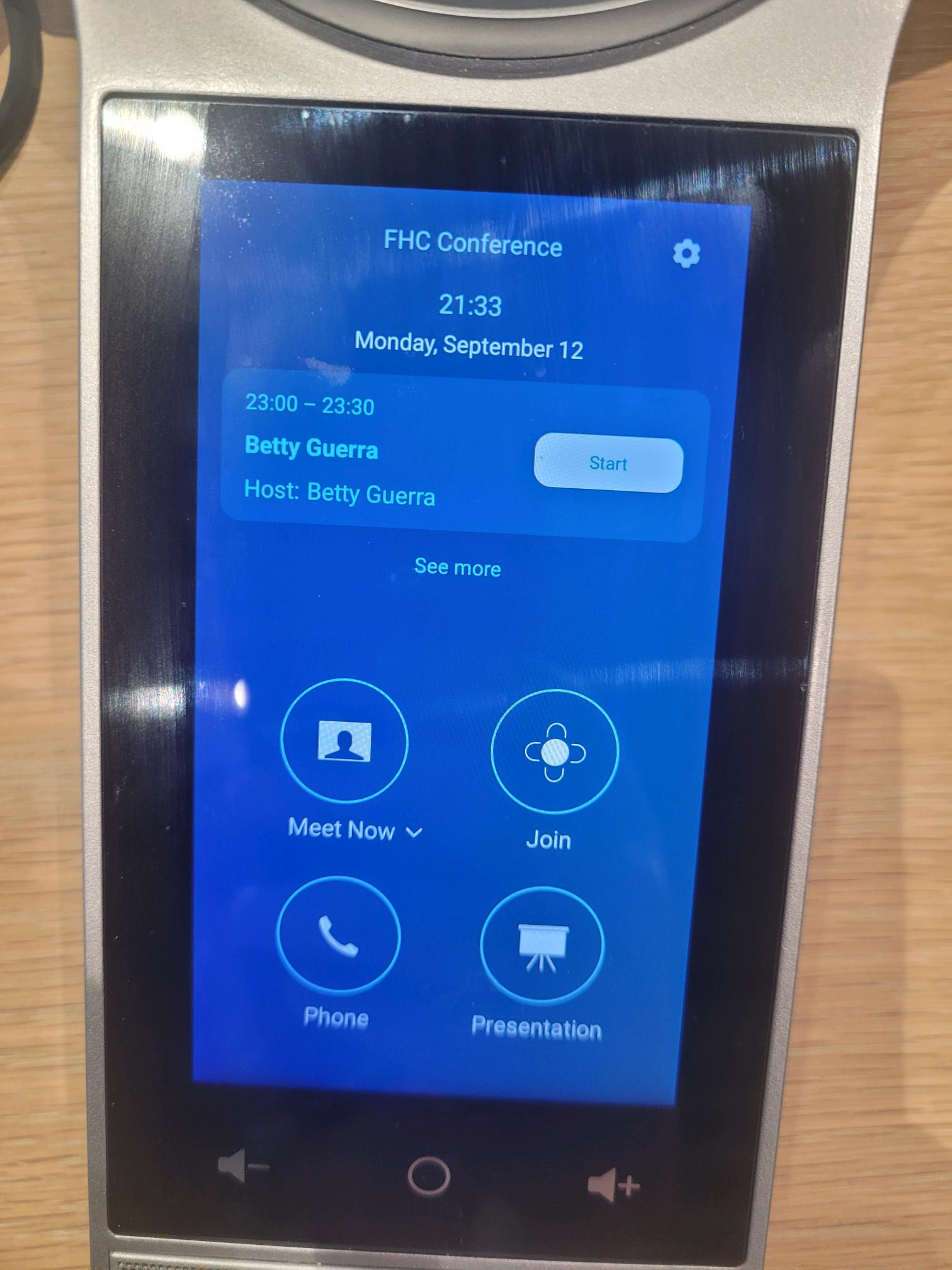
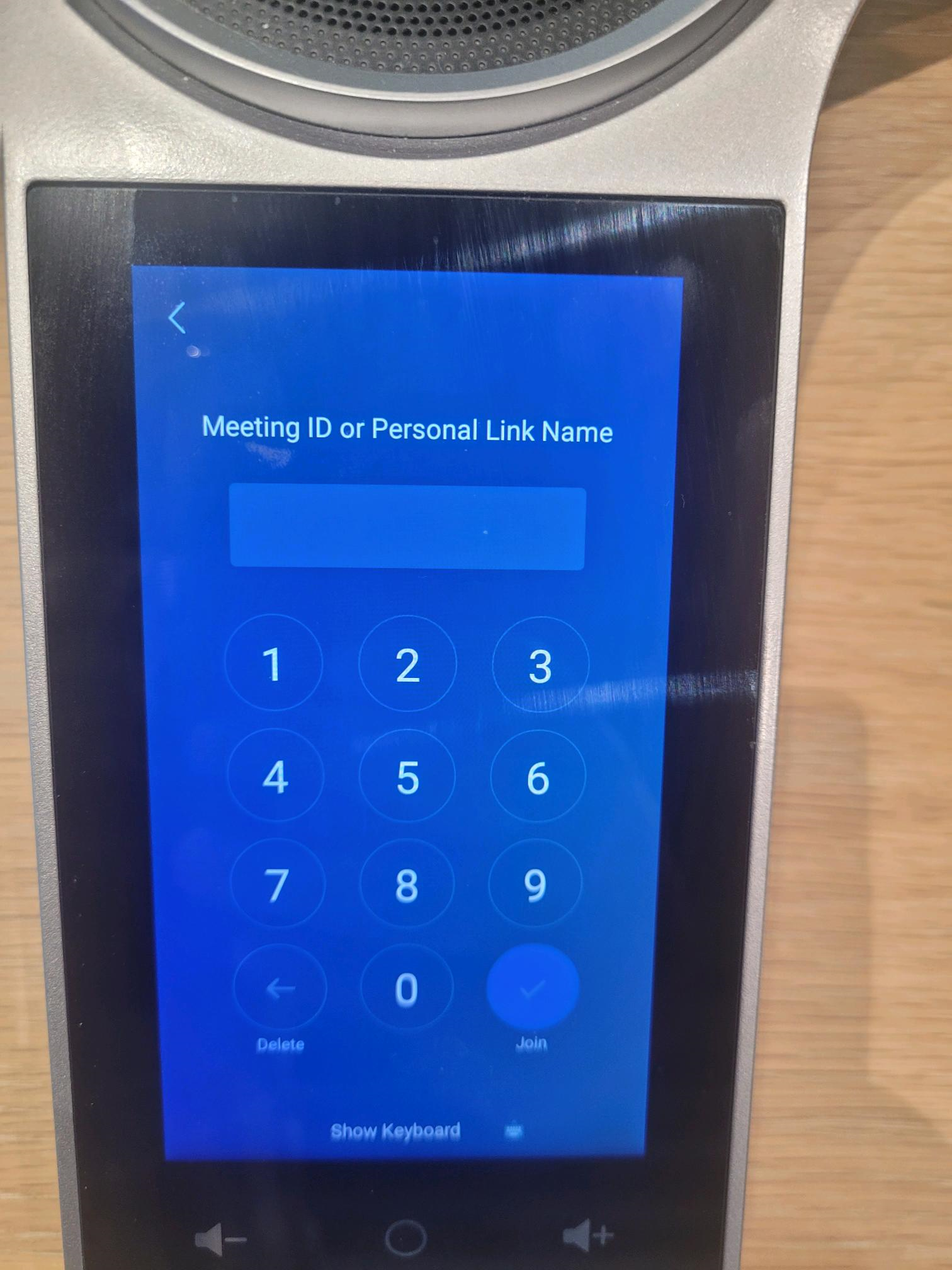
3. For Join: You will need to provide the Meeting Id or Link name associated with the meeting. These can typically be found in the invite email.
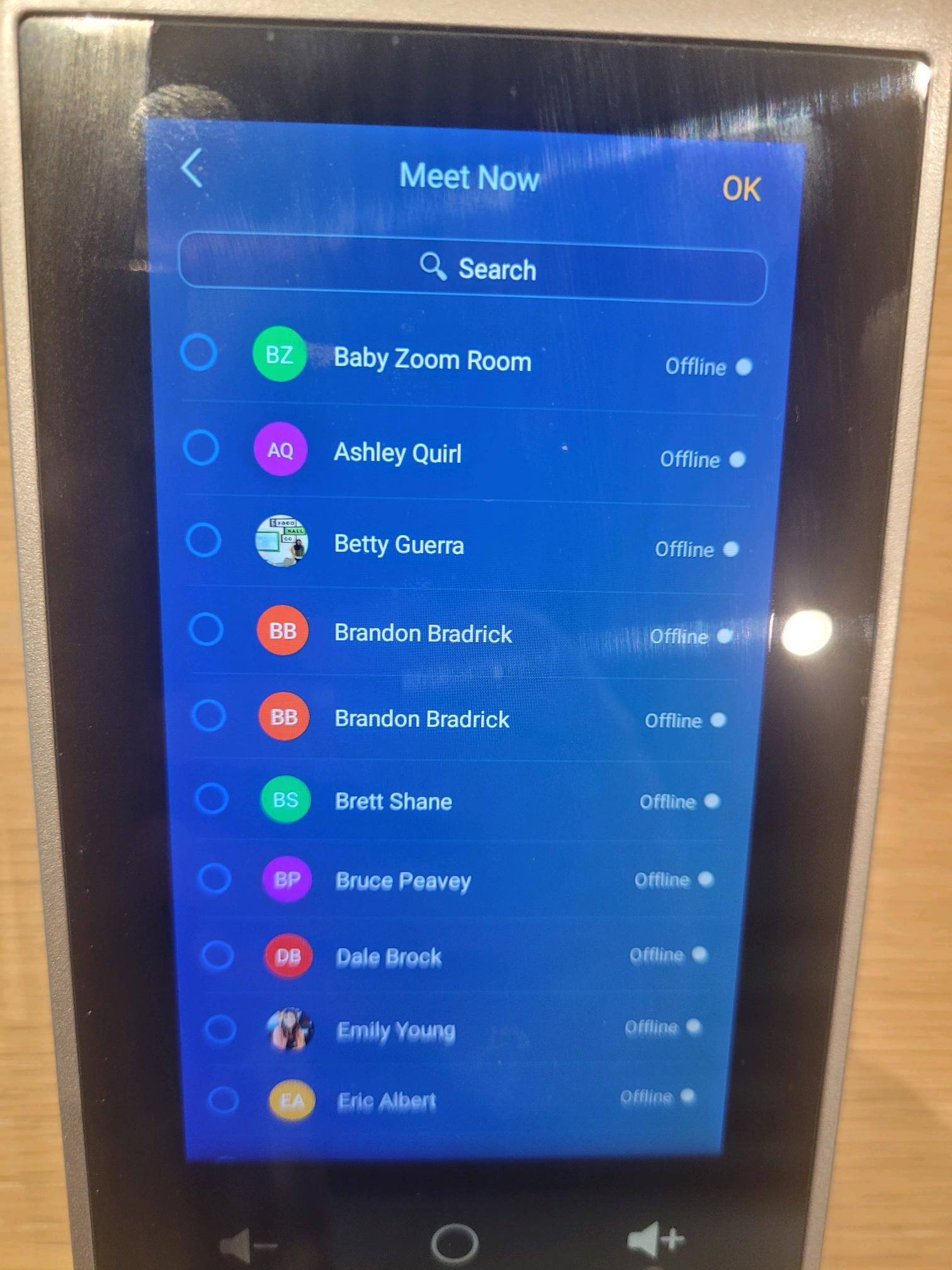
4. Selecting the Meet Now button will provide a list of recipients that can be invited directly to the meeting. They will receive an email with a link to the meeting.
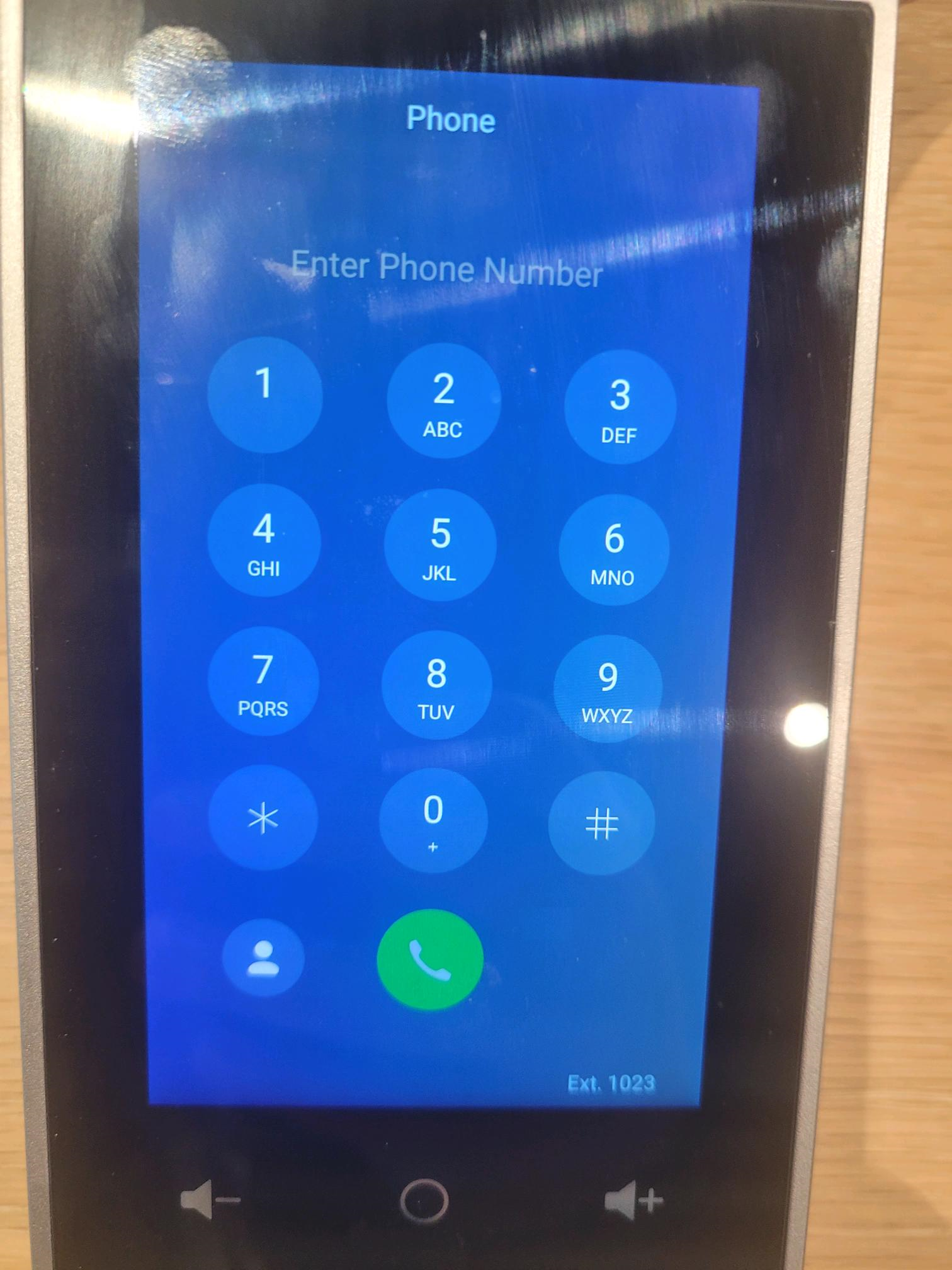
5. The phone system works very similar to a cell phone. Simply dial out and have any extensions ready to input after the call is made.
6. Presentation will provide you with a link, id and passcode. Please follow the link and input the id to begin sharing your screen on that device.