The following will cover the basic features of the Food Hall Office Baby Conference Room. This is the Neat device used to manage meetings. It comes with a Neat bar used for audio and camera access.

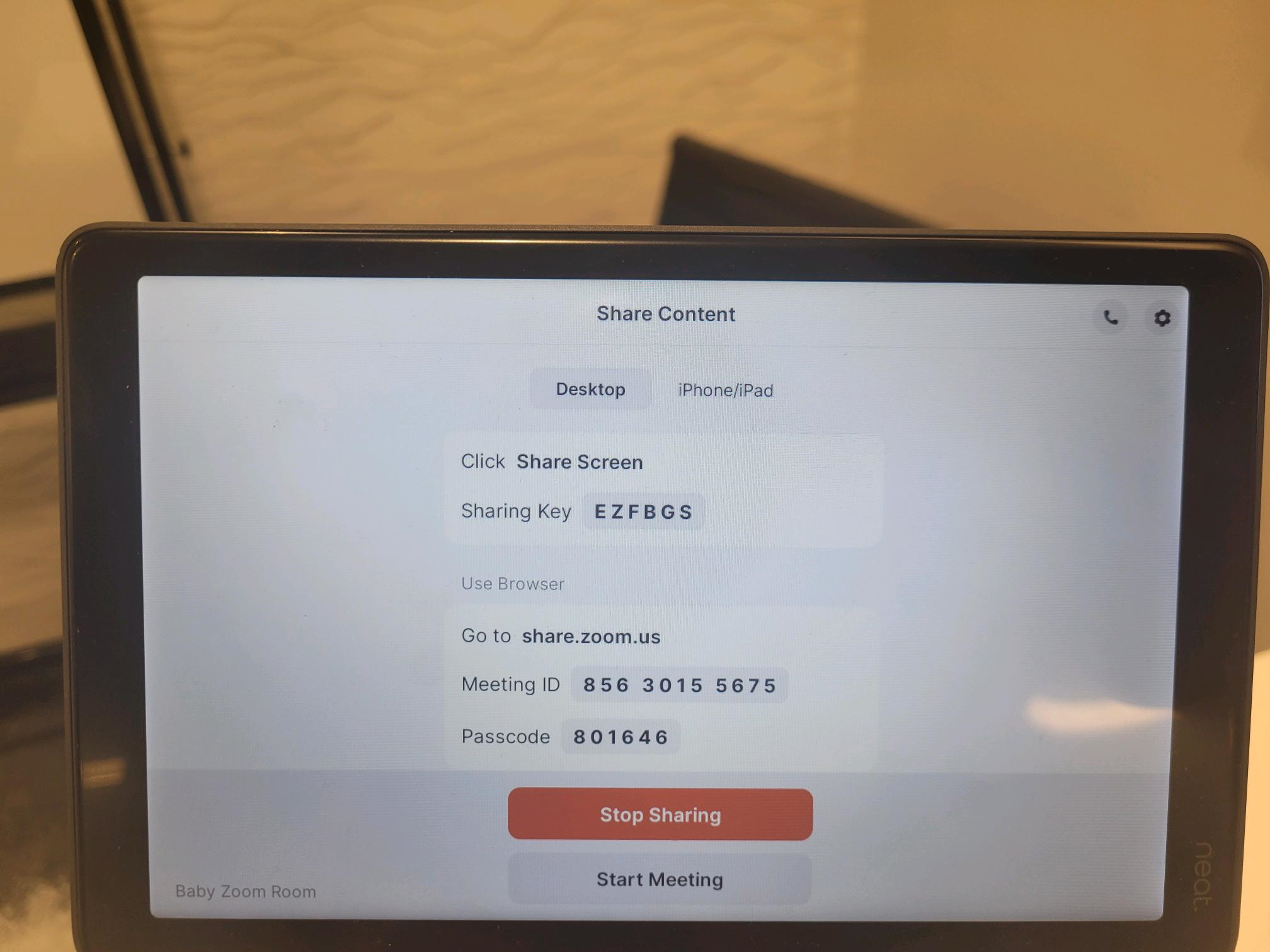
1. This is the FHC Baby Conference room's main interface. Meetings can be initiated via the New Meeting or Join buttons. Share Content is used for sharing the screen of your computer.

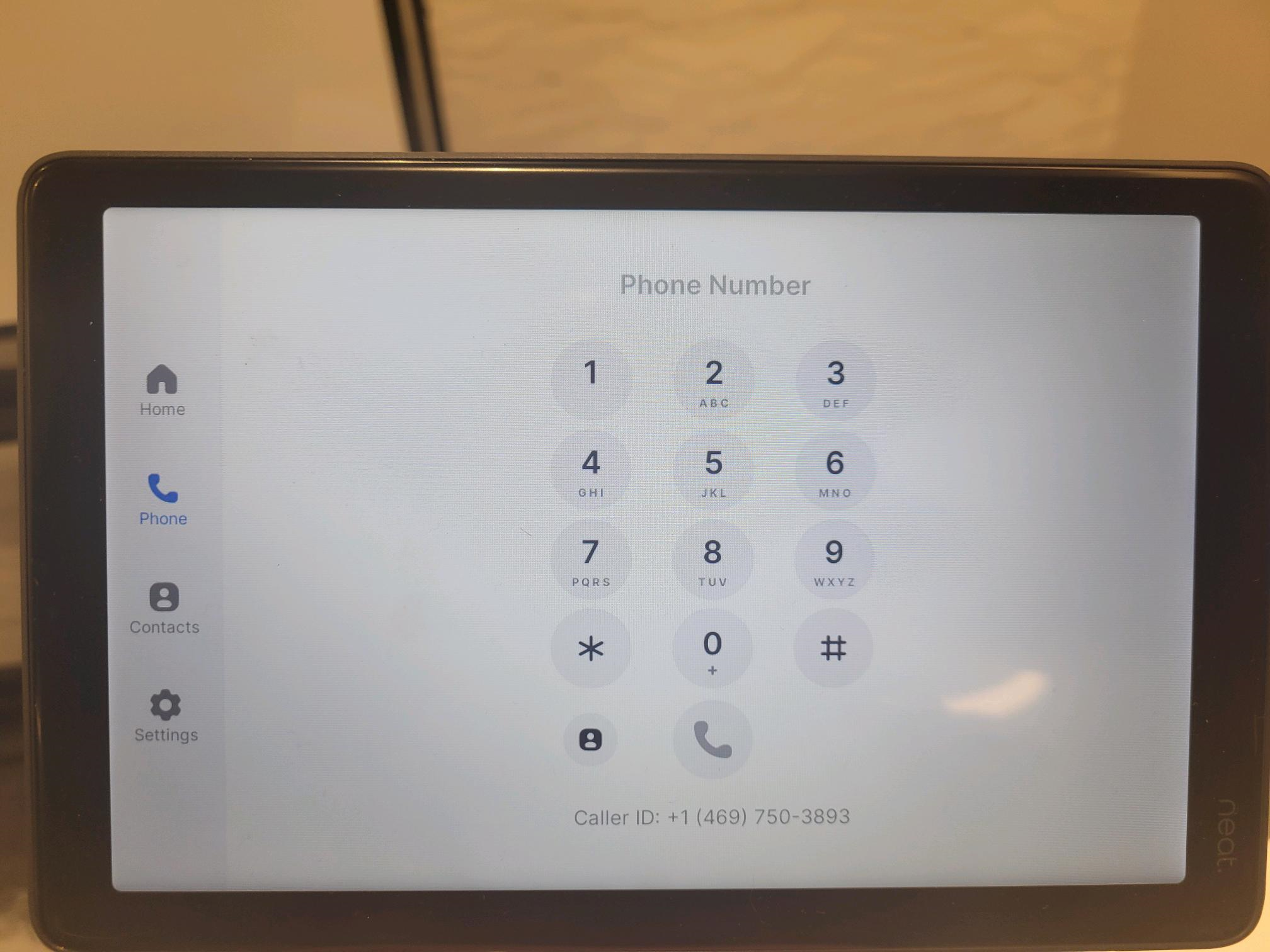
2. The Phone feature is used for dialing into group meetings.
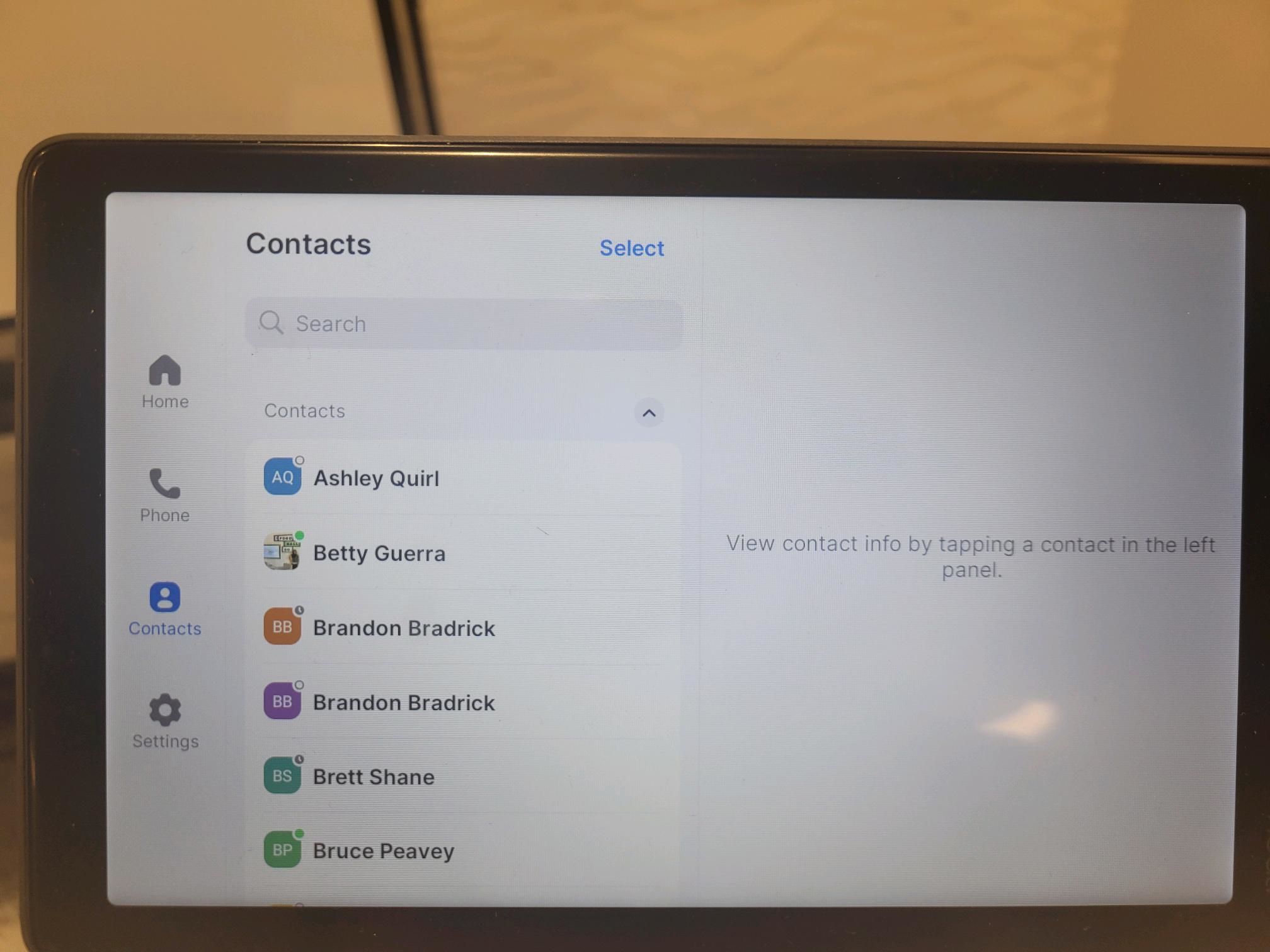
3. The contact button can be used for inviting contacts to meetings.
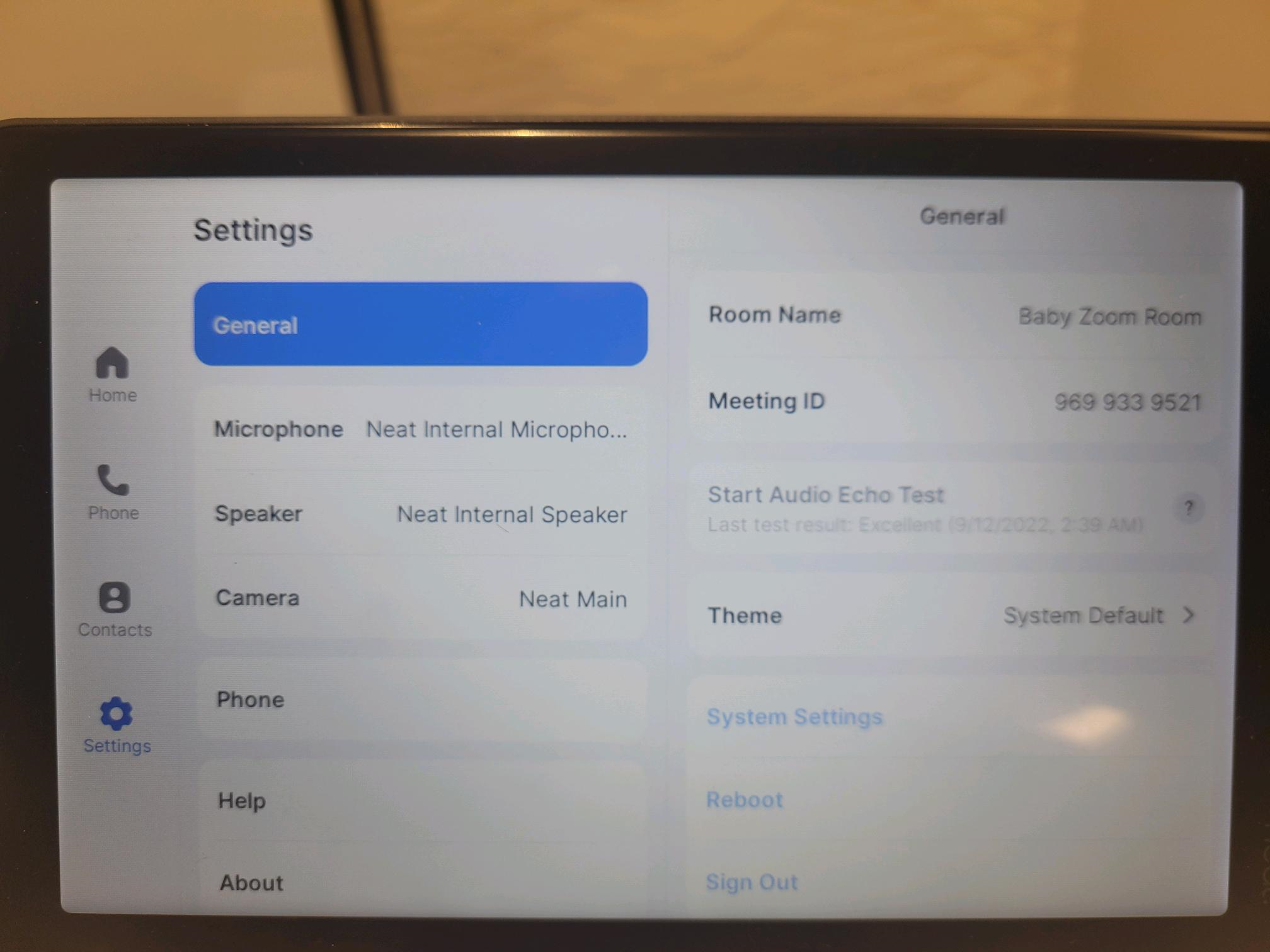
4. The settings feature allows the user to set camera behavior, designate active speakers and microphones among other things. This feature should typically only be used by IT.
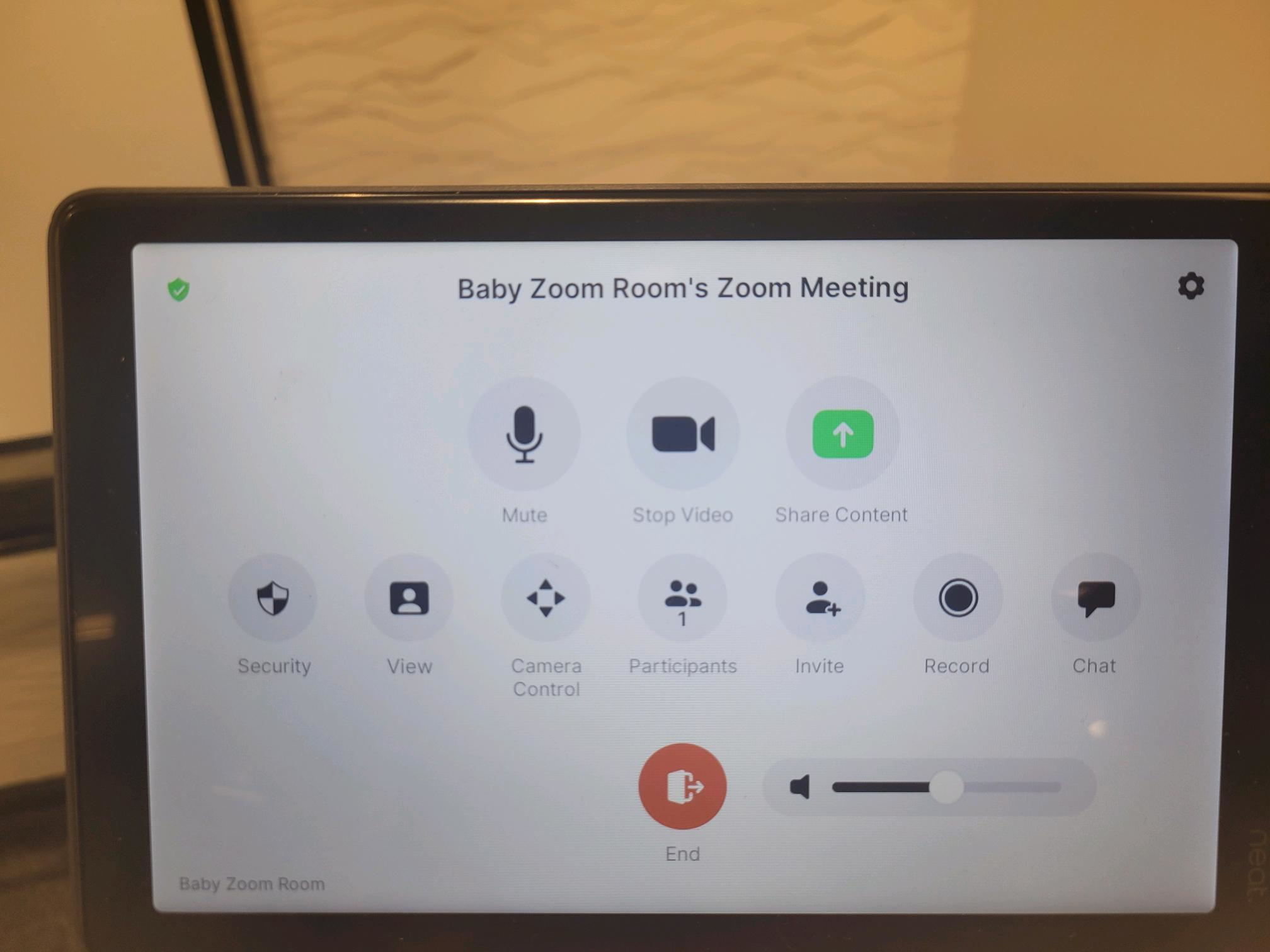
5. Once a meeting has started there are several features available to the user and can be accessed from this view.
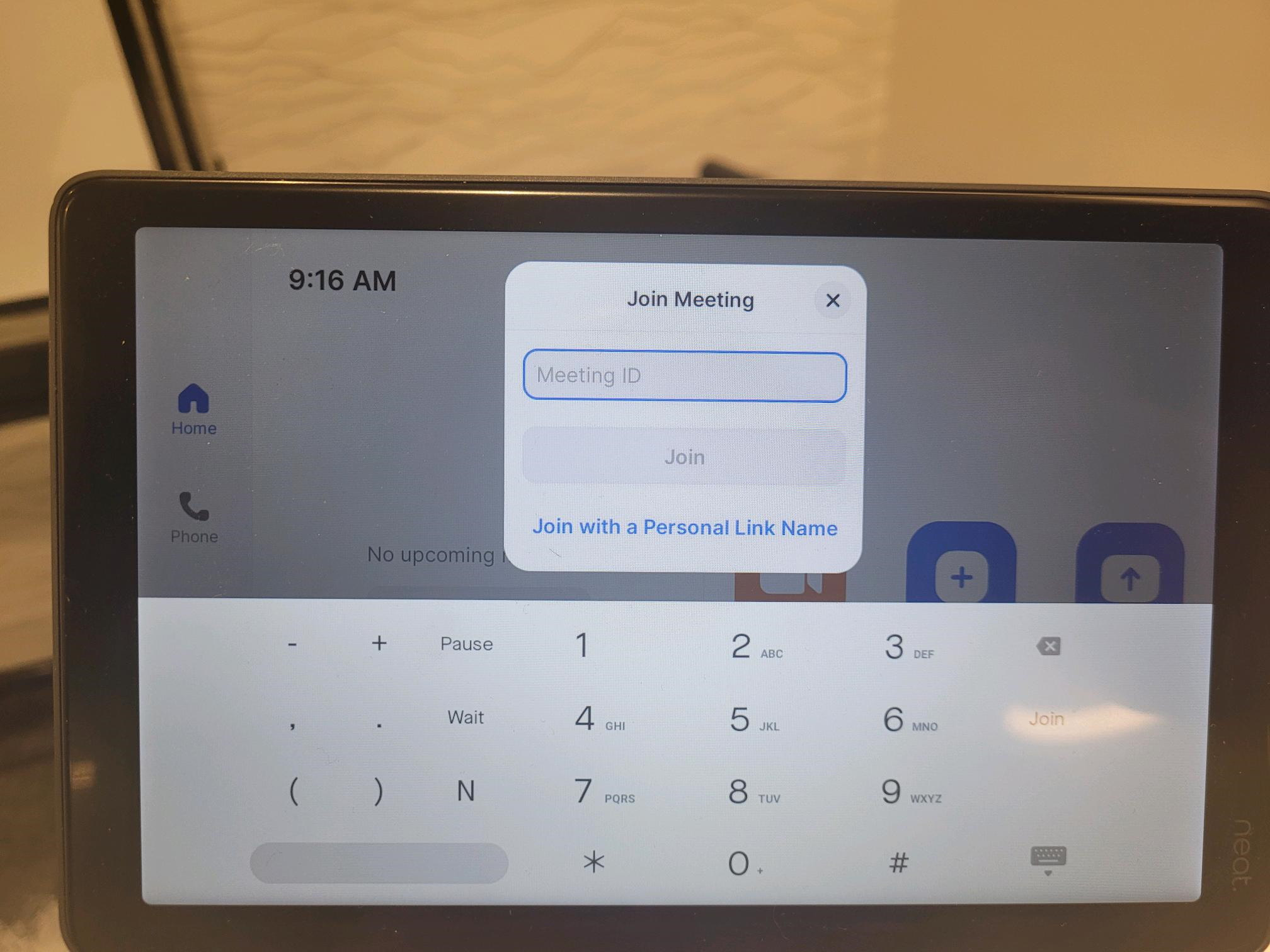
6. When joining a meeeting simply type in the meeting ID provided by your meeting host to get started. Be aware that some hosts will only allow participants to join after the meeting has been started.
7. Sharing your screen is as easy as going to the provided URL and typing in the sharing key to get started!